Desk Setup: The Four Things That Matter and the Ones That Do Not
Most ergonomic advice is either equipment marketing or a diagram nobody follows. Screen height, elbow angle, foot support and how often you move account for almost all of it, and three are free.
Outspoken Digest Work and Life Desk
Tuesday, August 11, 2026/3 min read
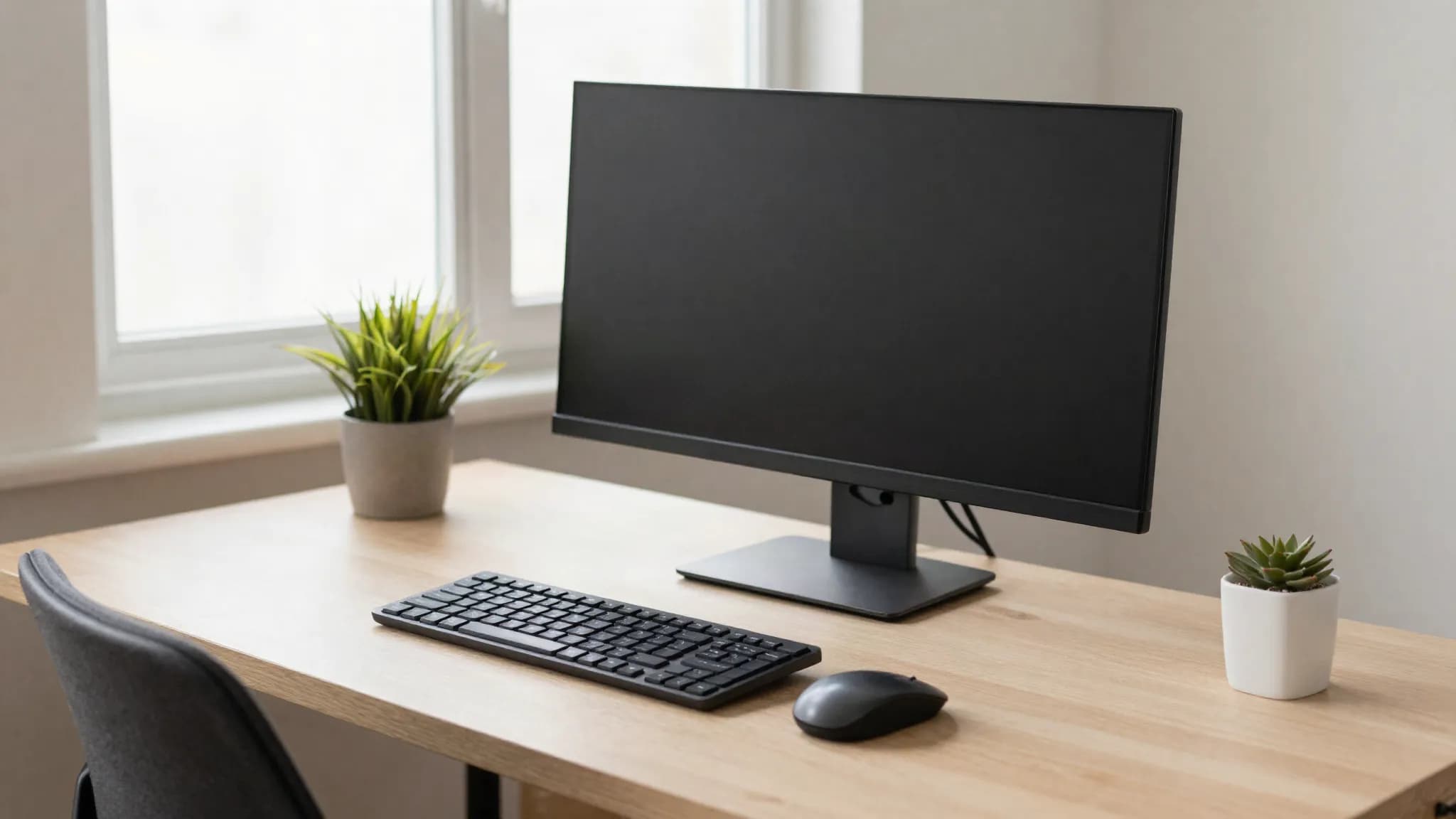
Home working turned a lot of kitchen tables into full-time workstations, and the neck and shoulder complaints followed about eighteen months later.
The advice available is mostly unhelpful, because it is either an equipment list or a diagram of a perfectly seated human that nobody resembles after twenty minutes. Here is the short version of what actually changes how you feel.
1. Screen height, which is the big one
If you fix one thing, fix this.
The top of the screen should be at roughly eye level, and the screen about an arm's length away. Looking down at a laptop tilts the head forward, and a head weighs around five kilograms. Held forward for eight hours, the load on the neck and upper back is substantial and cumulative.
A laptop cannot satisfy this on its own, because raising the screen raises the keyboard. The fix is to raise the laptop on anything, a stand or a stack of books, and use a separate keyboard and mouse. That combination costs very little and does more than any chair.
For two screens, put the primary one directly in front. Angling both symmetrically so you turn your head equally to each is a common recommendation and a poor one unless you genuinely use them equally.
2. Elbows at roughly ninety degrees
Set the chair so your forearms are approximately parallel to the floor when your hands are on the keyboard, with shoulders relaxed rather than shrugged.
Most people sit too low relative to their desk, which raises the shoulders and loads the trapezius. The tension people describe as stress is frequently just this.
A fixed-height desk means adjusting the chair upward until the elbows are right, which usually means your feet no longer reach the floor. Which brings us to the next one.
3. Feet supported
Dangling feet transfer pressure to the underside of the thighs and restrict circulation.
If raising the chair lifted your feet off the floor, put something under them. A footrest, a box, a ream of paper. This is the cheapest fix on the list and the most frequently skipped.
4. Movement, which beats posture
Here is the part that upends the rest of the article: the best posture is the next one.
The evidence for any single ideal sitting position is weaker than the evidence that staying still for long periods is the problem. Static loading is what stiffens tissue and reduces circulation, regardless of how correct the position looks.
So the highest-value habit is changing position every twenty to thirty minutes, and standing up properly every hour. Not stretching elaborately, just moving. It is also the cheapest way to make a dent in the weekly activity minimum, which most desk workers miss by a wide margin.
This matters more in a climate where the default is to stay indoors for months. If the walk you used to take has disappeared because it is 40C outside, the movement has to be deliberately reintroduced indoors rather than assumed.
On standing desks
Worth being honest here, because they are sold as a health intervention.
Standing all day is not better than sitting all day; it substitutes one static load for another and produces its own problems in the legs and lower back. The benefit comes from alternating.
If you have one, a reasonable pattern is a short standing block every hour rather than long shifts. If you do not have one, standing for calls achieves most of the same thing for nothing.
What matters less than the marketing suggests
Expensive chairs. A good chair helps, but an adjustable cheap chair set up correctly beats an expensive one set up wrong. Adjustability matters more than brand.
Ergonomic keyboards and vertical mice. Genuinely useful for people with existing wrist symptoms, unnecessary as prevention for most.
Blue light glasses. The evidence that they reduce eye strain is weak. What does help for eye fatigue is the 20-20-20 habit: every twenty minutes, look at something around twenty feet away for twenty seconds. Screen brightness matching the room helps too.
Posture correctors. Passive braces do not build the muscular endurance that holds posture, and the effect fades when removed.
The order to do it in
Raise the screen. Get a separate keyboard. Set the chair by your elbows. Support your feet. Set a timer to move.
Everything above except the keyboard can be done today with objects already in your home, and it will make more difference than anything you can buy this week.
This article is general information rather than medical advice. Persistent or worsening pain, numbness or tingling should be assessed by a clinician rather than managed with furniture.
Published in The Outspoken Digest
Editorial desk
Outspoken Digest Work and Life DeskReports for The Outspoken Digest across Lifestyle, Latest Trends.
Newsletter
The Digest, in your inbox
One edition, sent when it is ready. No noise, and your address is never passed on.
Read Next
More Lifestyle →
Afshar, Kang, Kurmaz and Vitale Make the Deutsche Börse Photography Prize 2027 Shortlist
Oct 30, 2026/2 min read

Giftze Lets You Send a Gift Anywhere in the UAE Without Ever Asking for an Address
Oct 30, 2026/4 min read

London's National Gallery Plans the Largest Piero della Francesca Show Yet, Opening in October 2027
Oct 29, 2026/2 min read

Houdini's Library at the Harry Ransom Center Marks 100 Years Since the Escape Artist's Death
Oct 28, 2026/2 min read