Windows 11's October Update Can Grey Out Smart App Control, and Microsoft Has No Fix Yet
If you switched the malware-blocking feature off and then installed KB5127648, you may be unable to turn it back on. Microsoft has confirmed the bug and published a workaround.
Outspoken Digest Technology Desk
Sunday, October 18, 2026/2 min read
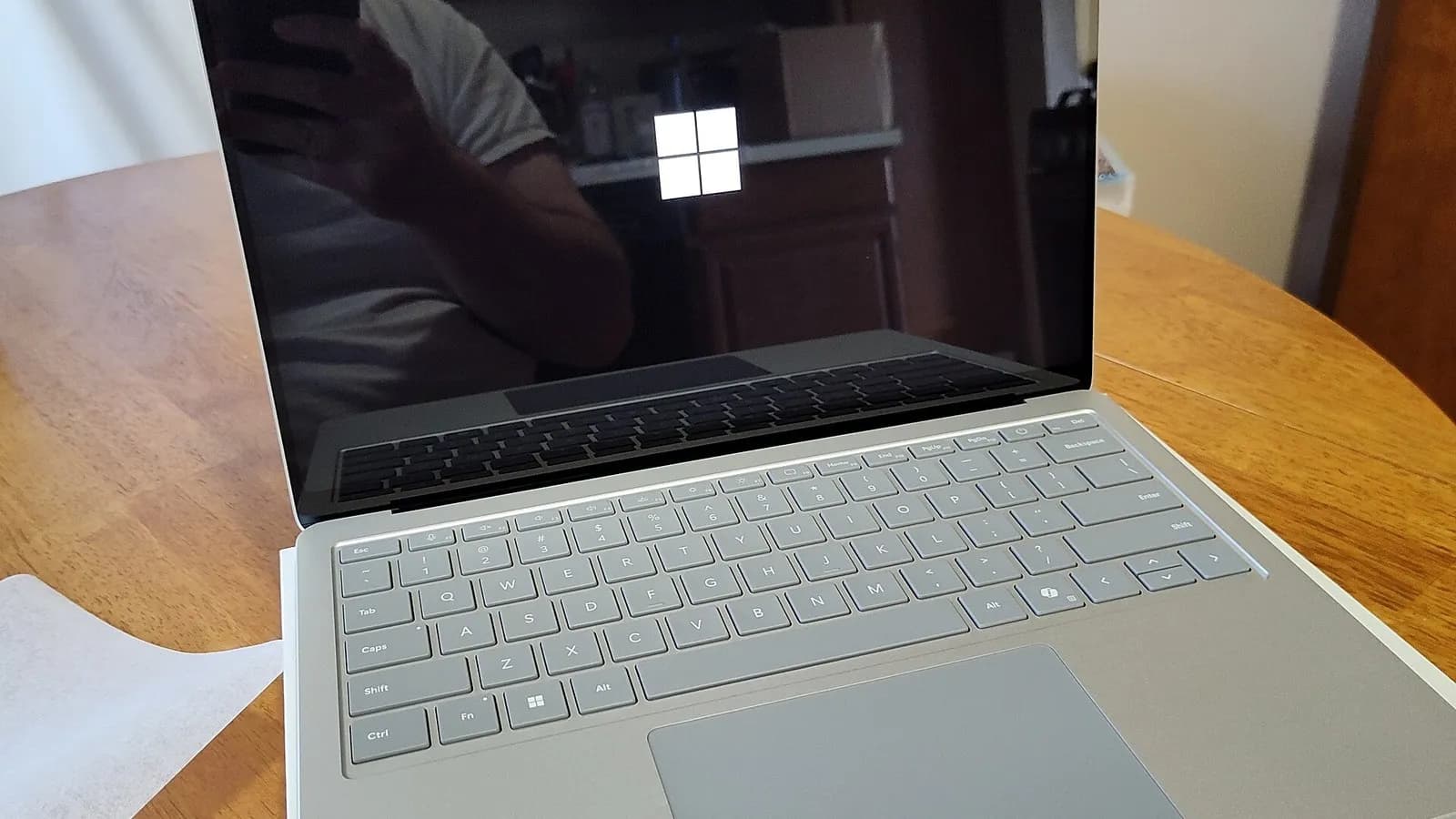
Microsoft's October security update for Windows 11 has a bug that bites a specific group of people: those who had switched off Smart App Control. After installing KB5127648, the toggle to turn it back on can be greyed out, and Microsoft says it has no fix yet.
The company confirmed the problem in its release notes, as BleepingComputer reported on 16 October. It is a nuisance rather than an emergency, but it matters because Smart App Control works with Microsoft Defender and SmartScreen to block potentially harmful apps.
Who is affected by the Smart App Control bug?
Only devices where Smart App Control was previously turned off. Machines where it is already on are not affected and, in Microsoft's words, remain protected. The issue covers Windows 11 versions 24H2, 25H2 and 26H2, the versions receiving the update. IT-Connect says Microsoft added the known issue to the release notes on 13 October, Patch Tuesday.
The symptom is straightforward: in the Windows Security app, the Smart App Control option is greyed out and does not respond.
How do you work around it?
Microsoft has published two temporary routes, both of which need administrator rights and a restart. Home users can add two registry values, set to 1, under the FeatureManagement Overrides policy key from an elevated Command Prompt. Back up the registry first, and use the exact values given in Microsoft's notes, because a wrong entry can cause other problems. Neither workaround is a permanent fix, and both are meant to be undone or superseded when Microsoft ships its correction.
For managed fleets, Microsoft offers two Group Policy packages, both labelled KB5074105 Feature Preview. One restores the ability to turn the feature on and the other enables extra logging for troubleshooting. Administrators install both, set the policies to Enabled and restart.
Are there other problems with this update?
Yes. The same update can cause Remote Desktop connections to fail for non-administrator users when Administrator protection is enabled on the remote machine, according to both outlets. BleepingComputer adds that a September update caused Always On VPN problems that Microsoft has since fixed, and that a black screen and Explorer crash bug seen since August was fixed on the Tuesday before its article.
To be specific about the registry route, IT-Connect lists the two values as 2883193997 and 2850574478, each set to 1 under the policy key HKLMSYSTEMCurrentControlSetPoliciesMicrosoftFeatureManagementOverrides, followed by a restart. Check them against Microsoft's own notes before typing anything. The Group Policy builds are numbered 261015_19221 and 261015_19222.
If you never turned Smart App Control off, you can ignore all this. If you did and want it back, waiting for Microsoft's fix is the lower-risk path. A resolution is promised in a future update, with no date given.
Published in The Outspoken Digest
Editorial desk
Outspoken Digest Technology DeskSoftware, hardware, artificial intelligence and what they change for everyone else.
Newsletter
The Digest, in your inbox
One edition, sent when it is ready. No noise, and your address is never passed on.
Read Next
More Technology →
Astronauts Install the Space Station's Eighth and Final Roll-Out Solar Array in a 7-Hour Spacewalk
Nov 6, 2026/2 min read

Zipline Raises $1.5 Billion at a $21.5 Billion Valuation as Walmart Commits to 300 More Drone Delivery Sites
Nov 6, 2026/2 min read

After the Ballot Rebuke, OpenAI Promises to Pay Full Power Costs and Drop NDAs, and Meta Admits Building Will Get Harder
Nov 6, 2026/2 min read

A Digital Twin of the Webb Telescope Pulls a Hidden Planet Out of Old Data and Makes JWST Up to 15 Times Sharper
Nov 5, 2026/3 min read